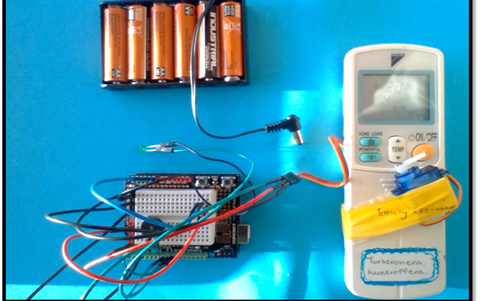
Hot Bots
For this project, students are introduced to the Arduino microcontroller and Arduino integrated development environment for programming a switch on an air conditioner. This lesson was designed by Cindy Thornton, Flinders Island District High School, Tasmania.
Additional details
| Year band(s) | 7-8 |
|---|---|
| Content type | Lesson ideas |
| Format | Web page |
| Core and overarching concepts | Specification (decomposing problems), Computational thinking, Algorithms, Implementation (programming), Project Management |
| Australian Curriculum Digital Technologies code(s) |
AC9TDI8P05
Design algorithms involving nested control structures and represent them using flowcharts and pseudocode
AC9TDI8P06
Trace algorithms to predict output for a given input and to identify errors |
| Keywords | Algorithms, Branching, User input, Arduino, Text-based programming, General purpose programming, Code, Sensors, Autonomous robot, Coding |
| Organisation | ESA |
| Copyright | Creative Commons Attribution 4.0, unless otherwise indicated. |
Related resources
-

Crack the code - Technology Mandatory
A unit of work that develops knowledge, skills and understanding of coding
-

Python language
Students develop and implement digital solutions using Python programming language through applying data types and control structures.
-

Emerging technologies
Students follow a problem-solving process to develop an idea for applying emerging technologies to improve existing digital systems.
-

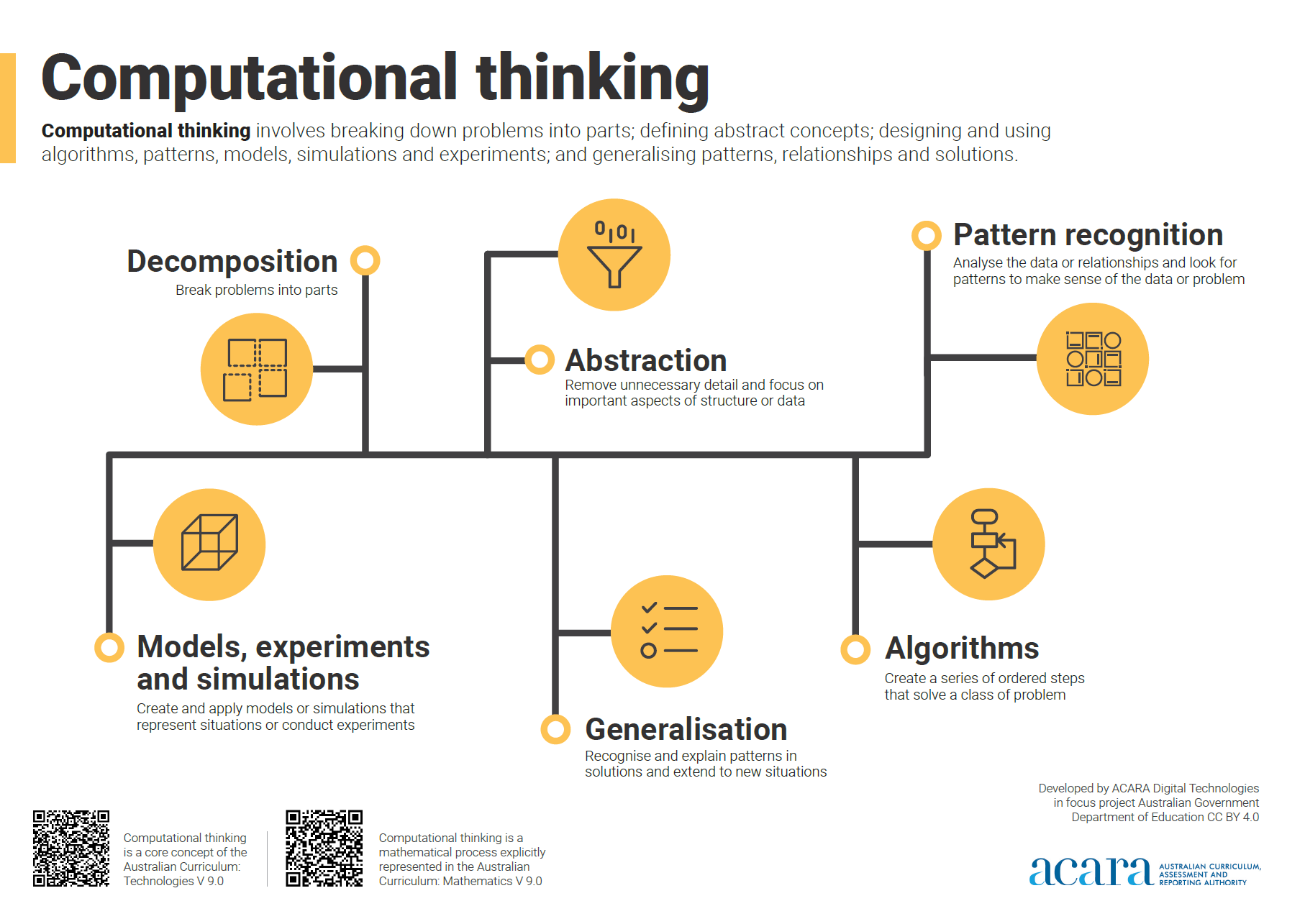
Computational thinking poster
A poster/infographic that gives a brief overview of the concepts related to computational thinking.
-
App Inventor EDU
Use this six week teaching program using a project based curriculum that allows students to explore the world of computer science through the creation of smartphone apps.
-
Classroom ideas: Micro:bit Environmental Measurement (visual and general-purpose programming) (Years 5-8)
Investigating environmental data with Micro:bits: This tutorial shows the coding needed for digital solutions of some environmental issues that can be created using pseudocode and visual programming.
-
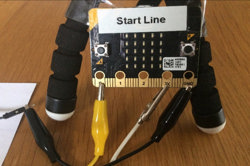
Creating a digital start line and finish line with micro:bits (Years 7-8)
The following activity suggests one-way Digital Technologies could be integrated into a unit where vehicles are being designed and produced.
-

Computational Thinking – 6 learner guides
This site offers a range of resources to help teach computational thinking and its components.