Purchasing guide
Digital technology tools and devices are becoming readily available for purchase. Please keep in mind that many of these come with a large price tag and although they are engaging for children, they are not the only way to learn how to program.
The range of equipment available to purchase includes games, programming consoles, programmable robots, robotics and STEM kits, books and programmable boards and components.
There are a range of stores around Australia that are now stocking a variety of Digital Technology equipment including:
For more information about the range of equipment available visit our Technologies in the classroom (opens external website in a new window) page. You’ll find our detailed descriptions helpful to work out what each piece of tech is used for and what it can do.
DISCLAIMER: PRODUCTS ON DT HUB
In this section we highlight features of common technologies used in schools. However, any references to any specific product, process or service is for information only and does not constitute an endorsement or recommendation.
Games
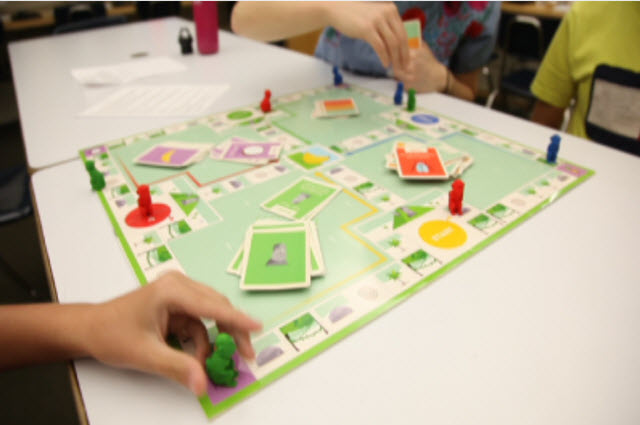
There is an ever-increasing range of board games and hands-on activities that allow kids to learn computational thinking.

Code Monkey Island (opens external website in a new window)
Code Monkey Island is a family-friendly board game that introduces kids ages 8 and up to programming concepts used by real programmers.

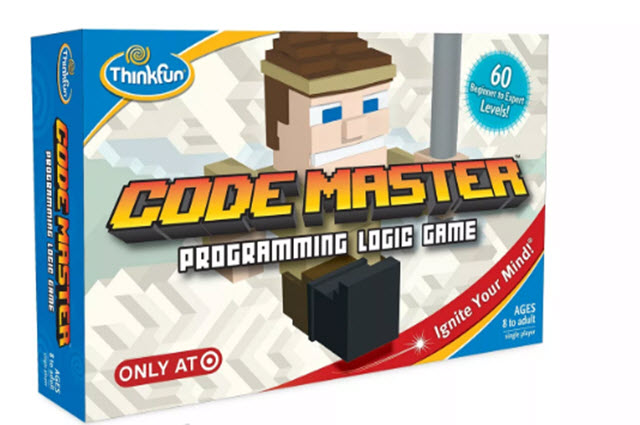
Code Master (opens external website in a new window)
Make programming fun by learning the basics without a computer! In Code Master, your Avatar uses programming logic to search for power Crystals.
Programming consoles

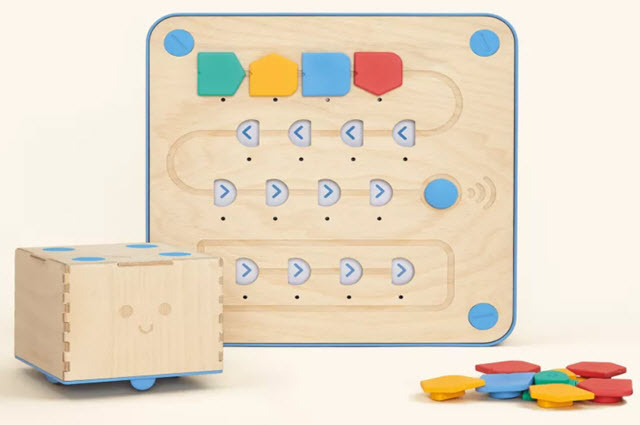
Cubetto (opens external website in a new window)
Cubetto Coding toy for youngies aged 3 and up, which includes a physical programming console and colourful coding blocks to program the cute wooden robot.

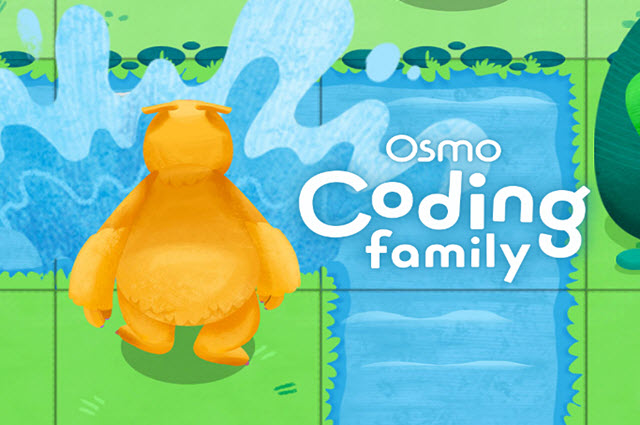
Osmo Coding (opens external website in a new window)
Learn to code with physical coding blocks from Osmo, the award-winning tangible play platform.
Robots

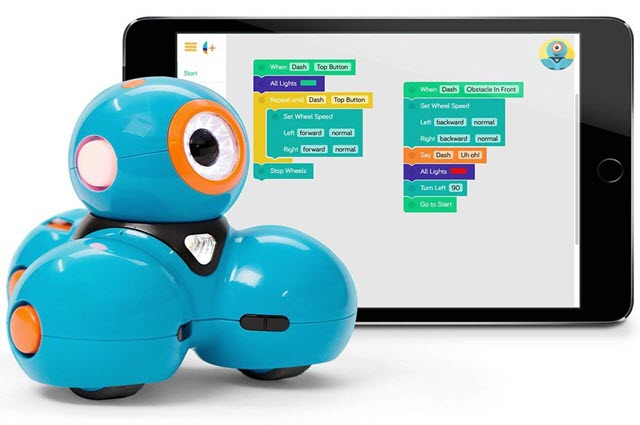
Dash (opens external website in a new window)
Learn to program Dash using visual programming blocks. Use suggested apps (opens external website in a new window) to program your Dash robot.

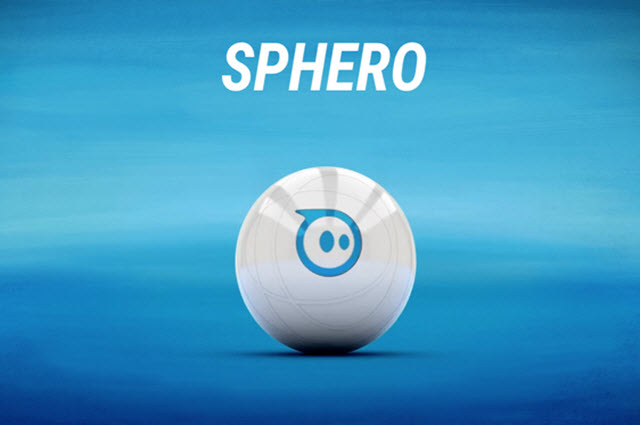
Sphero (opens external website in a new window)
A spherical-shaped robot that is manoeuvred using an app. Use suggested apps (opens external website in a new window) to program your Sphero robot.

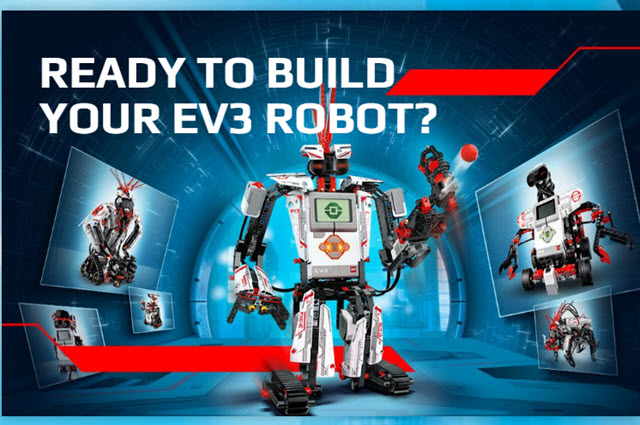
Lego Mindstorms EV3 (opens external website in a new window)
Build, program and command your own LEGO robot.
Kits
Hunt around your local electronics shop or website for robotics kits. You can find simple ones available online for less than $10.00.

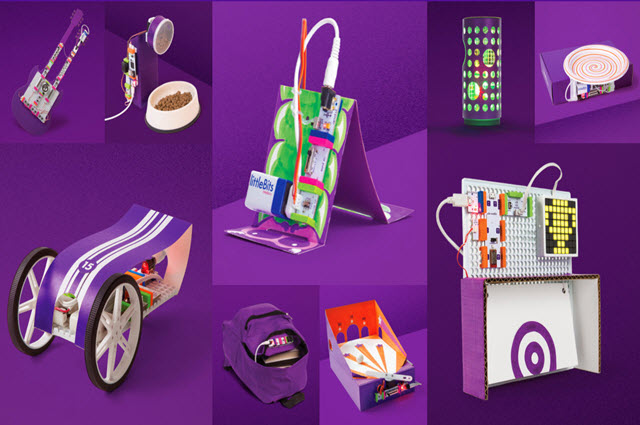
Little bits (opens external website in a new window)
Become a little inventor with these easy-to-use electronic kits with bits that snap together. Learn about the functions of each LittleBits component. Browse (opens external website in a new window) lessons to guide you in the classroom.

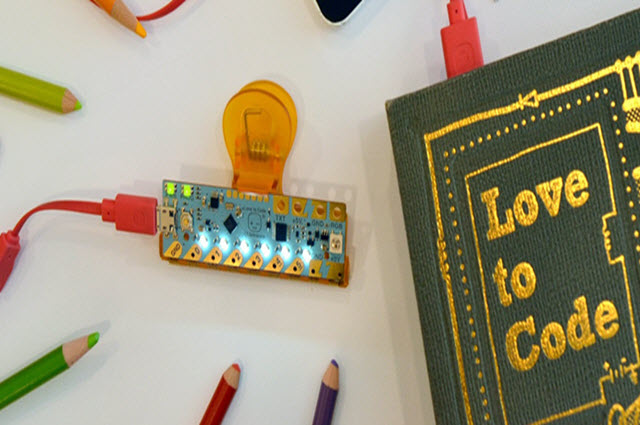
Chibitronics (opens external website in a new window)
Create, craft and code with stickers that create working circuits using copper tape.
Boards and components
Tiny computers with all the capability of today’s desktop machines. While a small number are listed below, there are many more on the market.

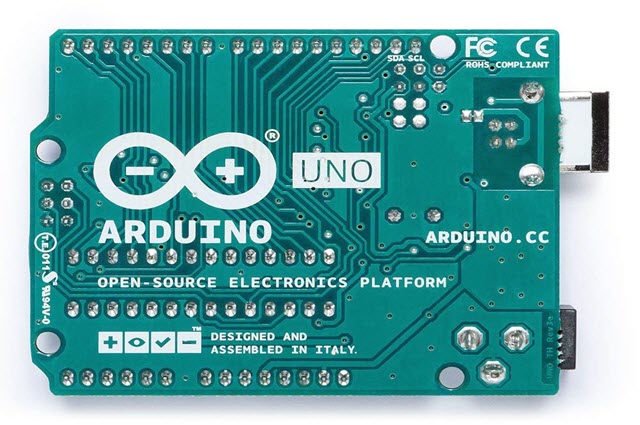
Arduino (opens external website in a new window)
Arduino senses the environment by receiving inputs from many sensors, and affects its surroundings by controlling lights, motors, and other actuators.

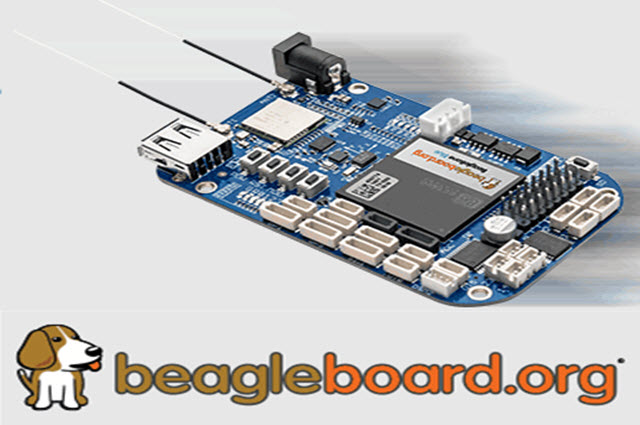
Beagle Board (opens external website in a new window)
Check out some of the great Beagle board projects. (opens external website in a new window)

Raspberry Pi (opens external website in a new window)
Lots of step-by-step resources (opens external website in a new window).

Top 10 Raspberry Pi sensors (opens external website in a new window)
Here is a 'Top 10 Picks' list of sensors compatible with Raspberry Pi.

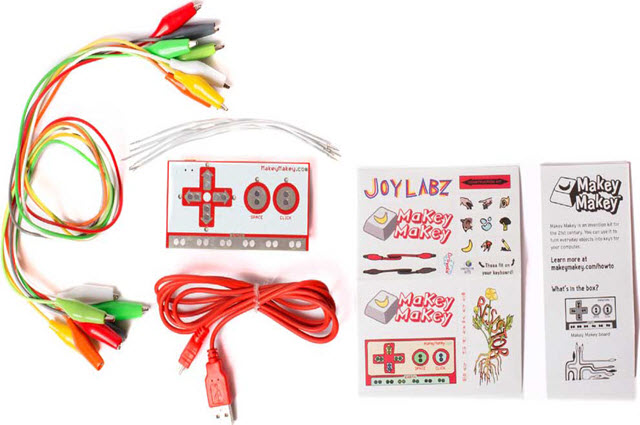
Makey Makey (opens external website in a new window)
Use a Makey Makey to trick your computer into thinking that almost anything is a keyboard. Then play music on a banana keyboard, create an Operation game, make a cardboard guitar and much much more. There is also a Makey Makey Go – a smaller, simpler, portable Makey Makey. See the guides (opens external website in a new window) for more information. You can use your Makey Makey with many free apps.