coding@home TV
The Queensland Department of Education partnered with Channel 10 to deliver coding@home TV for primary and secondary students. Episodes enable students to engage in real-world coding problems and solutions, and connect with industry partners.
Additional details
| Year band(s) | 7-8 |
|---|---|
| Format | Web page |
| Keywords | Coding, Chatbots, Programming, Online safety, Channel 10 |
| Organisation | Queensland Department of Education |
| Copyright | The State of Queensland (Department of Education) 2020. May be subject to Copyright Act Statutory licence. |
Related resources
-
First Robotics Competition
This site provides access to enter in the 'First Robotics Competition', a competition whereby students come together to build robots and develop teamworking skills.
-
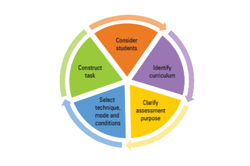
Blueprint for designing and constructing an assessment task
The Assessment and reporting advice and guidelines support teachers to implement and assess Digital Technologies.
-

The new work mindset
Change summary to During 2020, the global pandemic COVID-19 has seen Australia, like many other nations across the world, struggling to forecast what the future of work will look like given the pandemic has impacted almost every aspect of how we live, learn and earn.
-

Abstraction
Want to find out more about what abstraction is and its role is in computational thinking? This resource outlines: What is abstraction, why is abstraction important and what abstraction looks like in the primary curriculum. Requires free log-in to access resources.
-
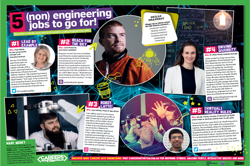
Careers with Engineering
These three posters show students some of the amazing ways engineering is used everyday, and the awesome careers they can pursue in these areas.
-

Pixels and binary digits assessment
Students are given a bitmap image made up of coloured pixels.
-

Network infographic assessment
In this assessment task, students demonstrate their ability to distinguish between different types of networks and defined purposes.
-

Computational thinking poster
A poster/infographic that gives a brief overview of the concepts related to computational thinking.